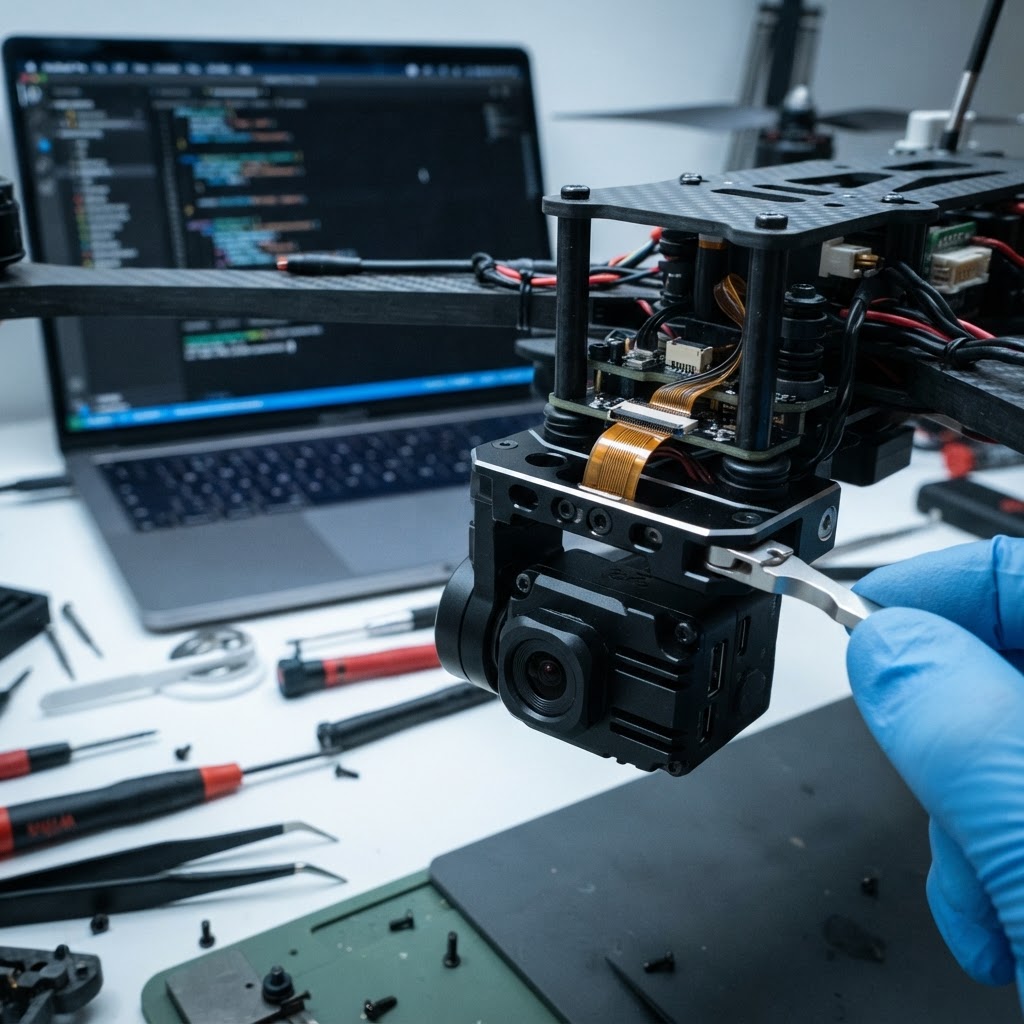

Lead: DJI Payload SDK (PSDK) allows third-party sensors and cameras to integrate directly into an enterprise aircraft system, enabling ground app visibility, gimbal stabilization, and coordinated mission capture. Successfully deploying a custom payload requires following specific electrical, mechanical, and software workflows.
What the Integration Has to Achieve
- Regulated Power and Data Transmission: Connect custom hardware through standard adapter interfaces (such as E-Port, SkyPort V2, or X-Port). When requesting high power, payloads must adhere to aircraft-specific hardware rules; for instance, pulling pin 22 (
HIGH_POWER_APPLY) high on Matrice 350 RTK / Matrice 300 RTK, or pulling pin 36 (HIGH_PWR_REQ) low on Matrice 400. - Gimbal Control and Management: Report gimbal status, attitude, and calibration information. Implement relative angle, absolute angle, or speed control through PSDK gimbal management APIs.
- Mission Communication: Transmit command, telemetry, and status data between the payload, onboard computing applications, and the Mobile SDK (MSDK) remote controller application.
- Safe Power Cycles: Handle aircraft shutdown notifications to safeguard onboard storage and execute orderly payload shutdowns before power terminates.
The Build Order
- Verify Interface Compatibility and SDK Version: Check your aircraft's hardware port standard (e.g., E-Port V2/V3 or PSDK gimbal ports) and confirm minimum supported PSDK versions.
- Bench-Test Power and Load Limits: Use a current-limited bench supply to verify startup draw before connecting to the aircraft. Ensure load capacitance complies with the DJI payload criterion of ≤500 µF, and confirm 5 V startup enumeration if not integrating an SDK-certified chip.
- Mount and Verify Center of Gravity: Secure the payload and check mechanical balance. In accordance with DJI development criteria, ensure the payload's center of gravity remains within required offset tolerances relative to the connection interface center.
- Verify Software APIs on the Ground: Initialize modules such as power management and gimbal management in software. Test telemetry reporting, angle controls, and communication channels individually in DJI Pilot or an MSDK application.
- Perform Structured Flight Testing: Execute a low-altitude, controlled test flight within safe limits to confirm real-time data links and system behavior before full mission deployment.
Integration Discipline
- Keep a bench setup to reproduce errors under controlled electrical and network conditions.
- Pair and record payload firmware versions against the corresponding aircraft firmware and PSDK releases.
- Verify graceful shutdown behavior by testing software shutdown notifications to prevent data corruption.