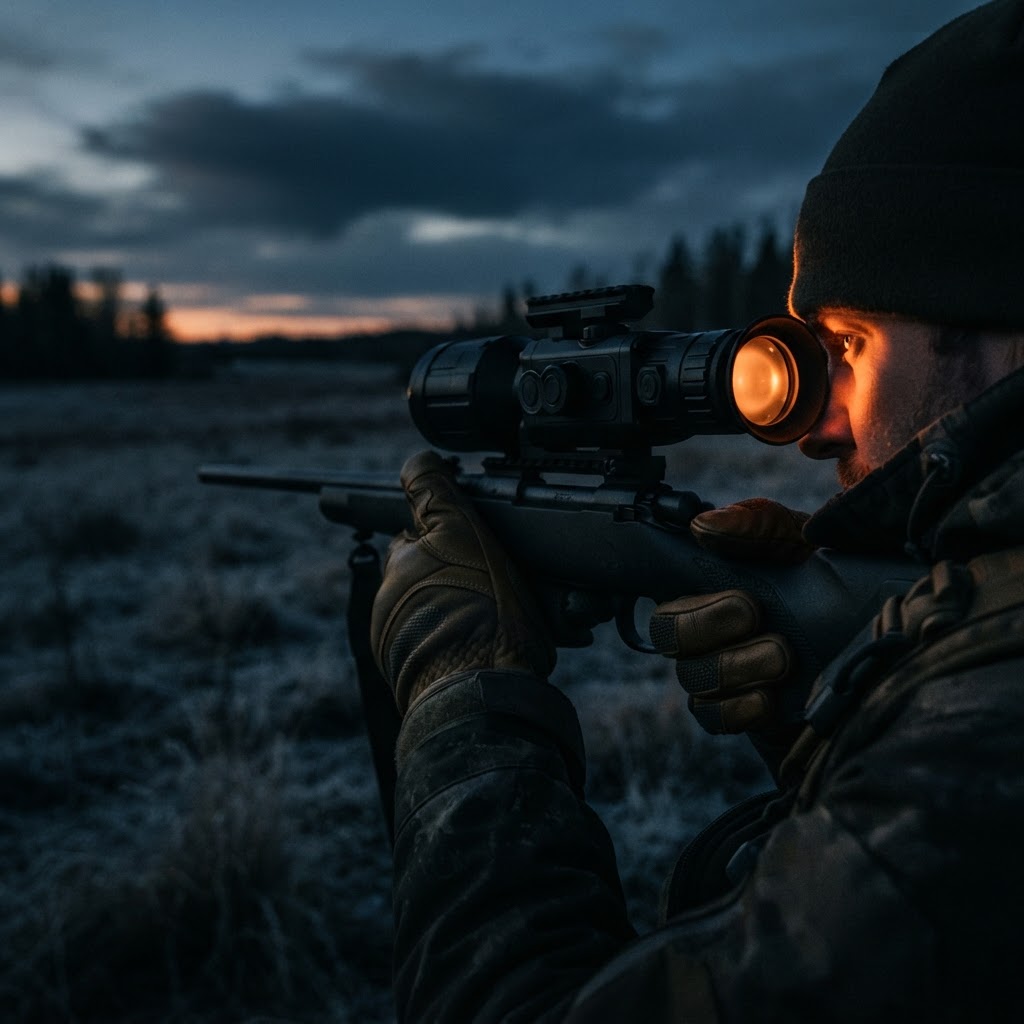
A still product photo tells you what a thermal scope looks like. A clip tells you how its image behaves when a body moves through brush at 200 yards in twenty-degree weather. That difference is why video is the closest thing a storefront has to a field test, and why it belongs in the same research step as the spec sheet, not after it.
This guide covers what our video library actually contains today, what a demo clip can and cannot prove, and the five things worth checking in any thermal footage before you spend four figures.
What is in our video library today
Our footage lives in the Thermisight video library, alongside the product walkthroughs and field clips we add as they are shot.

Thermisight Dynamics video Coming soon! — our first short: the channel launch clip, posted ahead of the first batch of field footage. It is a placeholder for the format we are shooting into, not a performance test of any optic. Watch it on YouTube.
Because the library is small right now, do not read an empty channel as an empty catalog. Every device we sell is documented on its product page with the manufacturer's published sensor, NETD, objective and detection figures, and the comparison tool puts two of them side by side on the same numbers.
What to look for in a thermal demo clip
- A target against a real background. A person, animal or vehicle standing in front of a warm wall proves nothing. You want the target against cold ground, cold water or a treeline, because that is where a low-contrast sensor falls apart.
- Weather and time of day stated on screen. Thermal contrast collapses when everything in the scene reaches the same temperature, which is exactly the hour before dusk and the hour after dawn. A clip with no conditions noted is close to uninformative.
- Motion, not panning. Watch how the image behaves when the shooter moves and the target walks. Refresh rate and processing show up as smear, lag or a picture that keeps re-sharpening itself.
- The reticle and overlay at working zoom. Digital zoom is where thermal images lose their edges. Look at whether the reticle, rangefinder readout and menu text stay legible at the magnification you would actually hunt or inspect at.
- Stated distance to the target. A clip with no range noted cannot be compared to a manufacturer's detection figure, and detection figures are the only cross-brand number you can hold two scopes to.
What a clip cannot tell you
A recorded thermal image has been through the device's own processing, the recorder's compression and, if it was uploaded to a social platform, another round of compression on top. Detail that survives all three is not a measurement. Treat footage as evidence about how the image moves and how the interface behaves, and leave absolute performance to the published sensor specifications.
The other thing footage cannot do is tell you how a device feels: the eyepiece relief on your own eye, the weight on a sling after two hours, whether the buttons work in gloves. That is what our buyer tools and the storefront assistant are for, and what a return window is for.
If you want footage of a specific model
Ask. Tell the storefront assistant which scope, camera or airframe you are considering and what you want to see it do, and we will point you at the clips we have or tell you plainly that none exist yet. If you have shot your own footage on a device you bought from us, send it in through the video library page and we will consider it for the channel.
Browse what we stock in the hunting catalog, the industrial catalog or the drone catalog.