THERMISIGHT DYNAMICS LLC
See What Others Can't.™
 USA
USAATN Drone Thermal Payload Pro
NDAA §889 compliant · U.S. end-use only
In stock
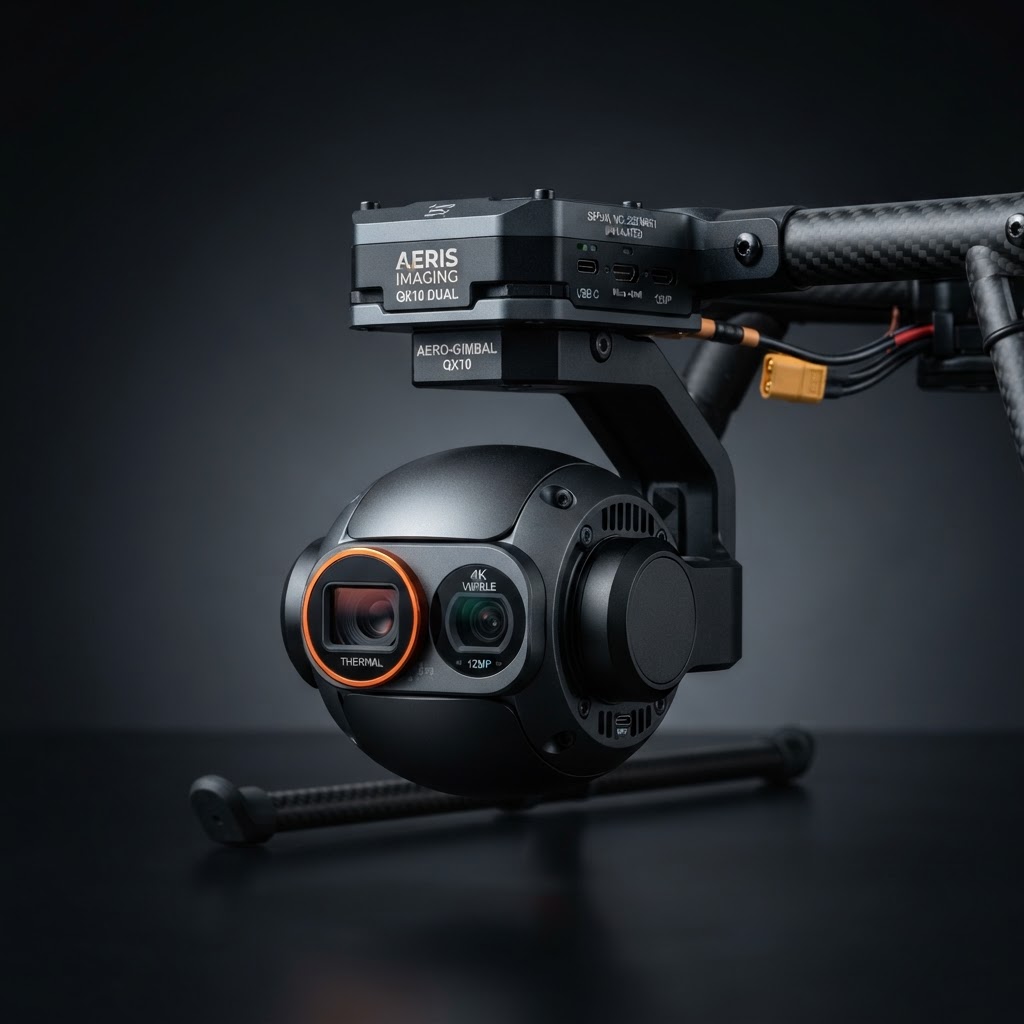
ATN Drone Thermal Payload Pro — industrial-grade thermal payload for professional drone operations. ATN Drone Thermal Payload Pro — Pro tier test product for industrial storefront. Placeholder item for catalog filter and search validation.
U.S. export-controlled. Thermal and night-vision devices are subject to U.S. ITAR/EAR controls and are not exportable outside the United States. By checking the box you confirm you are a U.S. person purchasing for end-use within the United States. See our Export Compliance policy.
Check the U.S. export compliance box above to enable Add to cart
Questions & Answers
Ask a question — get an instant answer from our optics team.
No questions yet — be the first to ask.
Why This Product
The ATN Drone Thermal Payload Pro is a drone-mounted thermal payload engineered for aerial inspection and surveying. Its 384×384 sensor and 35 mK NETD sensitivity delivers exceptional contrast in rain, fog, and high humidity. At 12 oz, it's lightweight enough for all-day carry without fatigue. Compatible with major drone platforms, with 24-month warranty and Thermisight's compliance expertise.
Expert Video Reviews
Watch expert reviews on YouTube
See the ATN Drone Thermal Payload Pro in action — hands-on reviews, field tests & comparisons
Field Footage Gallery
No field footage yet for this product.
Be the first to share your thermal hunting clips and help fellow hunters see what this sensor can do in the field.
Warranty
2-year limited manufacturer warranty
- Covers defects in materials & workmanship
- 30-day satisfaction return window
Financing Calculator
- Purchase price
- $3,499
- APR
- 0%
- Down payment
- $0
- Total of payments
- $3,499
Estimates only. Subject to credit approval at checkout. Select "Pay over time" during checkout to apply.
Complete your kit
Compatible accessories for your ATN ATN Drone Thermal Payload Pro.


Specifications
- Resolution
- 384x384 | NETD: 35mK | Weight: 12oz
Compare detection range & sensitivity
Side-by-side with similar drone thermal optics. Lower NETD = better thermal sensitivity; higher detection range = farther identification.
| Spec | | | | | |
|---|---|---|---|---|---|
| Detection range | — | 2,200 yd | 2,200 yd | 2,200 yd | 1,800 yd |
| Sensitivity (NETD) | 35 mK | 60 mK | 60 mK | 60 mK | 50 mK |
| Sensor res. | 384×384 | 256×256 | 256×256 | 256×256 | 640×640 |
| Objective | — | 75mm | 75mm | 75mm | 50mm |
| LRF | No | Yes | No | No | Yes |
| Price | $3,499 | $3,499 | $12,999 | $12,999 | $3,499 |
Best-in-row values are shown in accent. Your current optic is highlighted.
Required Software & SDK Licenses
A thermal drone setup needs flight planning, thermal mapping, and radiometric analysis software. Add the licenses you need alongside your hardware purchase.
FLIR Thermal Studio Pro License
FLIR
$599
Pix4Dfields Thermal Mapping License
Pix4D
$750
DJI Terra Pro License
DJI
$1200
DJI PSDK Developer Integration Kit
DJI · Developer SDK
$0
PX4 MAVLink SDK License
PX4 · Developer SDK
$0
More from ATN
You might also need
Cross-division gear for overlapping missions — Thermisight Industrial · Thermisight Hunters
or $125/mo · 0% APR
USAor $1,583/mo · 0% APR
 USA / Global
or $625/mo · 0% APR
Related guides
All guides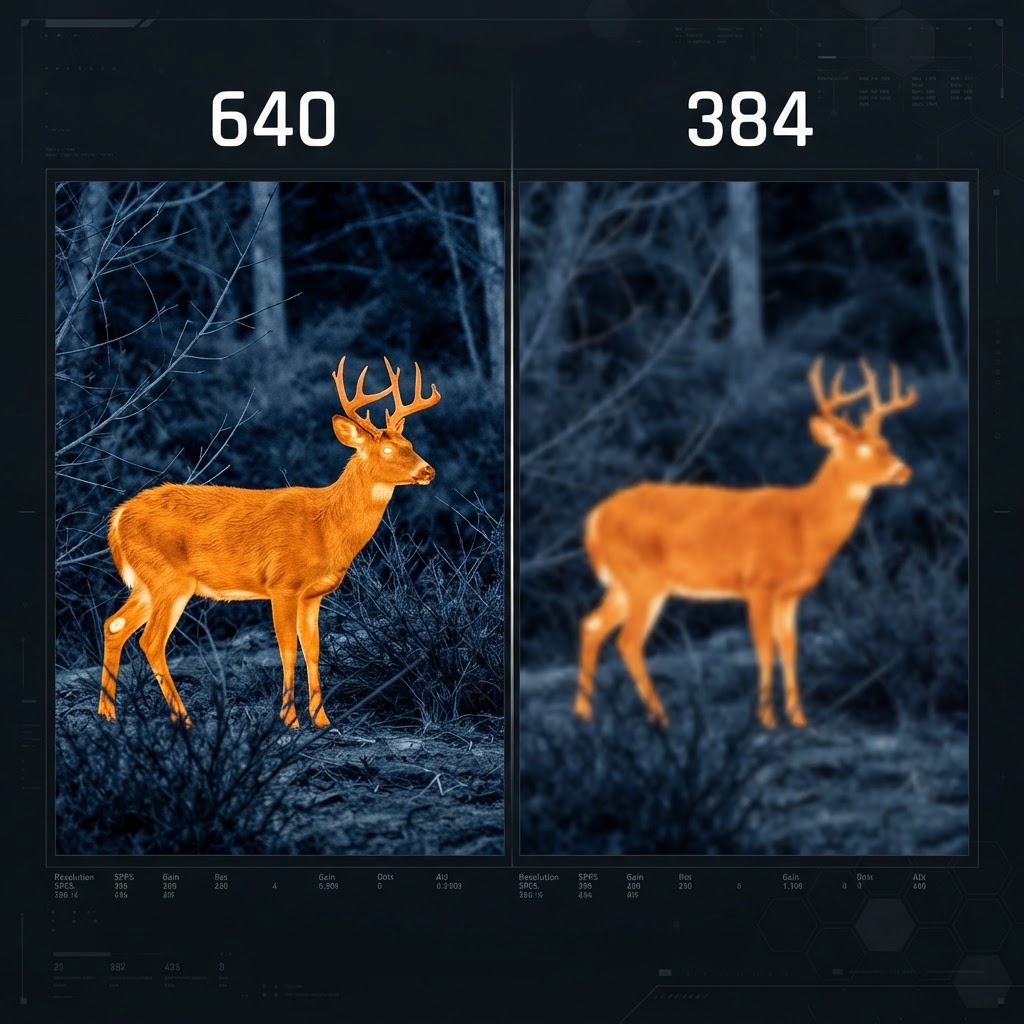
640 vs 384 Thermal Sensor Resolution: What Actually Matters in the Field
Most buyers fixate on resolution numbers without understanding what drives real-world detection distance and image clarity. This guide breaks down the practical difference.
5 min read
Best Thermal Scopes Under $3,000 in 2026
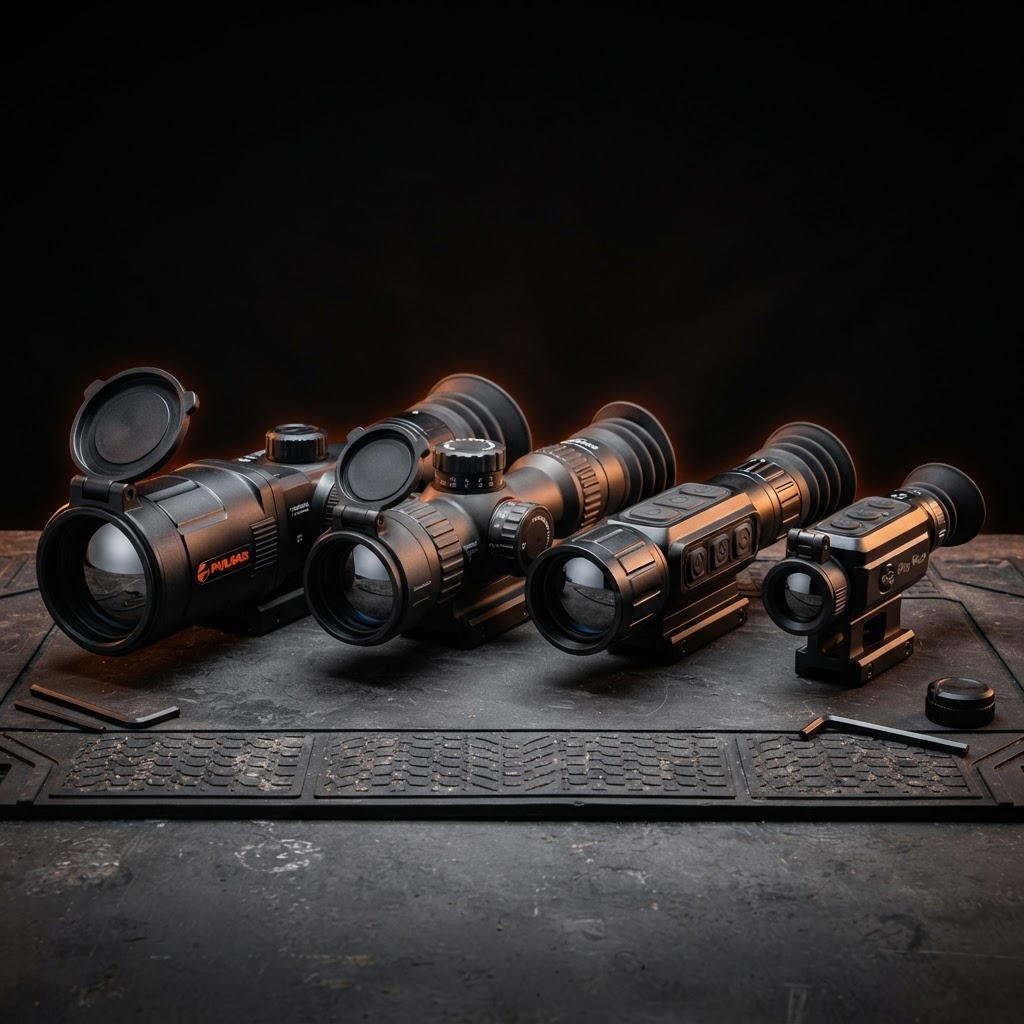
Thermal optics pricing has dropped significantly. Here are the top performers at the $3,000 ceiling, ranked by detection range, image quality, and reliability.
6 min read
Thermal Optics for Predator Hunting: A Beginner's Guide
Everything a new predator hunter needs to know about thermal optics — from sensor resolution to detection range, mounting, and budget picks that actually work.
5 min read
Care & Maintenance
Gimbal Care
- •Inspect gimbal dampeners before each flight — worn dampeners cause image vibration.
- •Never force the gimbal by hand; allow it to self-calibrate on power-up.
- •Transport with the gimbal locked in its mount to prevent free-swing damage.
Lens & Sensor
- •Clean the thermal lens with a microfiber cloth and optical solution only.
- •Never fly in rain or heavy fog — moisture on the lens ruins the thermal image and can damage the sensor.
- •Allow the sensor to acclimate to ambient temperature before powering on to avoid calibration drift.
Firmware & Storage
- •Update firmware before each flying season for the latest features and NDAA compliance patches.
- •Store in a padded case with desiccant packs to prevent moisture damage.
- •Remove the battery for storage longer than 30 days; store at 40–60% charge.
Reviews
No reviews yet.
ATN Drone Thermal Payload Pro
$3,499